Claude Desktop changed how people work. Connect it to your tools via MCP (Model Context Protocol), and suddenly your AI assistant can reach into your business systems, read your data, and take action on your behalf.
But here's the question nobody is asking: what you connect Claude to matters more than the fact that you connected it.
Most people start with Google Drive. It's familiar. It's where their documents live. And it makes sense — until you realise what it actually gives Claude.
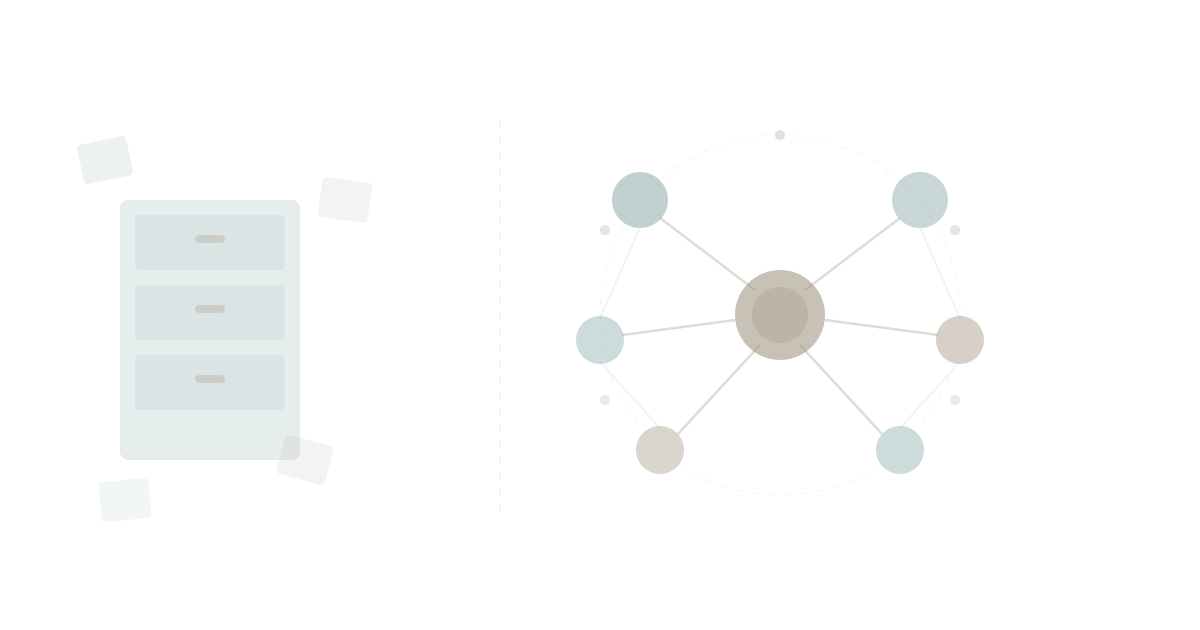
Google Drive gives Claude something to read. WaymakerOS gives Claude somewhere to work.
That's not a tagline. It's a fundamental architectural difference that determines whether AI becomes your filing assistant or your operating partner.
What Google Drive Actually Gives Claude
Let's be specific. Claude's Google Drive integration — the official one from Anthropic — provides:
- Read-only access to Google Docs (not Sheets, not Slides)
- Text extraction up to 10MB per document
- Search and browse your Drive files
- No ability to write, edit, or create anything
That's it. Claude can read your Google Docs. It cannot read your spreadsheets. It cannot create documents. It cannot update anything. It's context injection — Claude reads a document and uses it to inform its answers.
This is useful. If you want Claude to summarise a strategy doc or answer questions about a report, Google Drive integration works fine.
But it's a filing cabinet. Claude opens the drawer, reads the file, and closes the drawer.
What an Operating System Gives Claude
Now consider what happens when Claude connects to an actual business operating system — one where tasks, documents, goals, spreadsheets, roles, teams, and data all live in the same connected platform.
WaymakerOS gives Claude 67 tools across 11 capability groups. Not read-only. Read and write. Here's what that means in practice:
Plan the Work
"Set up Q2 planning for the marketing team."
Claude creates the goal with measurable key results, sets up a project workspace, builds a kanban board with status columns, and creates the initial tasks with priorities and due dates — all saved in your organisation, connected to your team structure.
With Google Drive, Claude would write you a planning document. You'd then spend an hour manually creating tasks in one tool, goals in another, and hoping someone reads the doc.
Do the Work
"Write a product requirements document for the new onboarding flow and save it to the Product workspace."
Claude writes the PRD — complete with sections, acceptance criteria, and technical requirements — and saves it directly to your workspace. It's immediately visible to your team, connected to the project, and searchable alongside every other document in your organisation.
With Google Drive, Claude can't write anything. You'd copy-paste from the chat into a new Google Doc, then share the link in Slack, then hope someone files it in the right folder.
Track the Work
"Show me the current state of the Platform project board."
Claude pulls up the kanban view — every task by status column, who's assigned, what's overdue. Then you say "move the API integration task to Done and create a follow-up task for documentation" — and it's done.
With Google Drive, Claude has no concept of tasks, assignments, or project status. It can read a document about your project plan, but it can't tell you what's actually happening.
Build the Tools
This is where the gap becomes a canyon.
"Create a database table called customer_feedback with columns for rating, category, and comment. Enable row-level security."
Claude creates the table with typed columns, automatic timestamps, UUID primary keys, and organisation-scoped security policies — the foundation for a custom application.
With Google Drive, this conversation doesn't exist. Google Drive stores files. It doesn't create infrastructure.
And this is just the beginning. As WaymakerOS Host capabilities expand, Claude won't just create database tables — it will build and deploy custom serverless agents (called Ambassadors) that run 24/7 inside your organisation.
Think about what that means. You describe a business process to Claude: "Every time a new customer signs up, check their industry, assign them to the right onboarding track, create a task for the account manager, and send a welcome sequence." Claude builds the agent, deploys it to your WaymakerOS Host, and it runs autonomously — processing data, triggering actions, doing real work while you sleep.
Claude won't just do work. It will build systems that keep working after you close the laptop. That's the difference between an AI that helps you work and an AI that helps you build your business.
The Comparison, Plainly
| Capability | Google Drive | WaymakerOS |
|---|---|---|
| Read documents | Google Docs only | Docs, sheets, presentations |
| Write and create documents | No | Yes — saves directly to workspace |
| Spreadsheets | Cannot read Google Sheets | Create complex models with typed columns |
| Task management | No | Full kanban — create, assign, track, complete |
| Goals and OKRs | No | Create objectives, track key results |
| Org chart and roles | No | Design structure, assign accountability |
| Teams and people | No | Create teams, manage members, invite users |
| Strategy frameworks | No | Apply proven methodologies |
| Database infrastructure | No | Create tables with security and scoping |
| Cross-entity search | File names only | Tasks, docs, goals, sheets — everything |
| Custom agents | No | Coming (Host Ambassadors) |
| Connected context | Files in folders | Everything linked to projects, goals, and people |
The pattern is clear. Google Drive gives Claude access to files. WaymakerOS gives Claude access to operations.
Why Connected Context Changes Everything
The real power isn't any single capability — it's that everything is connected.
When Claude creates a task in WaymakerOS Commander, that task lives inside a project, which lives inside a workspace, which belongs to your organisation. The task can be assigned to a person who has a role in your org chart. It can be tagged with a layer (epic) that maps to a strategic goal. The goal has key results with measurable targets.
This is context engineering at the organisational level. Every piece of work exists in relation to everything else. Claude doesn't just complete tasks — it understands where they fit.
Google Drive has folders. Folders don't know about goals. Goals don't know about tasks. Tasks don't know about roles. Everything is disconnected by design, because Drive was built to store files, not to run a business.
This is the same app sprawl problem that costs organisations hours every week — except now AI inherits the fragmentation. Connect Claude to five separate tools (Drive for docs, Asana for tasks, Notion for goals, Excel for data, Slack for communication) and every conversation starts from scratch. Claude has no unified view of your business.
Connect Claude to one operating system where everything lives together, and the AI finally has the context it needs to be genuinely useful.
This is the same principle behind Anthropic's vision for computer use — AI that doesn't just answer questions but takes meaningful action within real systems. The difference is whether those systems are connected or fragmented.
The Business Case: Time, Money, and Momentum
Let's talk numbers. A typical knowledge worker spends 3-5 hours per week navigating between disconnected tools — copying data from a spreadsheet into a project tracker, updating a document that references a goal, emailing a status update that summarises tasks spread across three platforms.
With Google Drive + Claude, you save time on reading — Claude summarises documents faster than you can skim them. But you still do all the manual work of creating, updating, and connecting things across separate tools.
With WaymakerOS + Claude, you eliminate the manual work entirely. Claude creates the task, saves the document, updates the goal, and assigns the work — all in one conversation, all in one platform. The time savings compound because everything you build in one session is available in the next. Claude doesn't start from scratch each time because your organisation's context persists.
For teams, the effect multiplies. Every document Claude saves is immediately visible to colleagues. Every task it creates appears on the shared board. Every goal it updates reflects in the team's OKR dashboard. There's no "let me share this doc with you" step. No "can you add this to the project tracker" follow-up. The work is done, in place, connected.
The Uncomfortable Question
If you're using Claude with Google Drive, ask yourself: what is Claude actually doing for you?
Reading documents and answering questions about them. That's a research assistant.
Now ask: what could Claude be doing for you?
Planning your quarter. Writing and saving your strategy docs. Building your project boards. Tracking your team's progress. Creating database tables for custom applications. Eventually, building agents that automate your operations around the clock.
That's not a research assistant. That's an operating partner.
The difference isn't Claude. Claude is extraordinary either way. The difference is what you connect it to.
A filing cabinet gives Claude something to read. An operating system gives Claude somewhere to work.
Getting Started
WaymakerOS connects to Claude Desktop through the Model Context Protocol — the same open standard Google Drive uses. The difference is what's on the other end.
- Sign up at waymakerone.com
- Connect WaymakerOS as a remote MCP server in Claude Desktop
- Ask Claude to show you your workspaces, create a project, or build a kanban board
Within minutes, Claude goes from reading your files to running your business with you.
Everything you create — tasks, documents, goals, spreadsheets, database tables — stays in your organisation, connected to your projects and your team. No copy-pasting between apps. No context lost between tools.
2026 is the year businesses stop buying disconnected software and start building on unified platforms. The AI revolution didn't just change how we write code and documents. It changed what's possible when your AI assistant has a real operating system behind it.
The filing cabinet era is over. Give Claude somewhere to work.
Your AI is only as powerful as the system behind it. Stop the sprawl. Connect the context. Build on the foundation.
Part of our guide to building and hosting what no one will build for you.
About the Author

Stuart Leo
Stuart Leo founded Waymaker to solve a problem he kept seeing: businesses losing critical knowledge as they grow. He wrote Resolute to help leaders navigate change, lead with purpose, and build indestructible organizations. When he's not building software, he's enjoying the sand, surf, and open spaces of Australia.