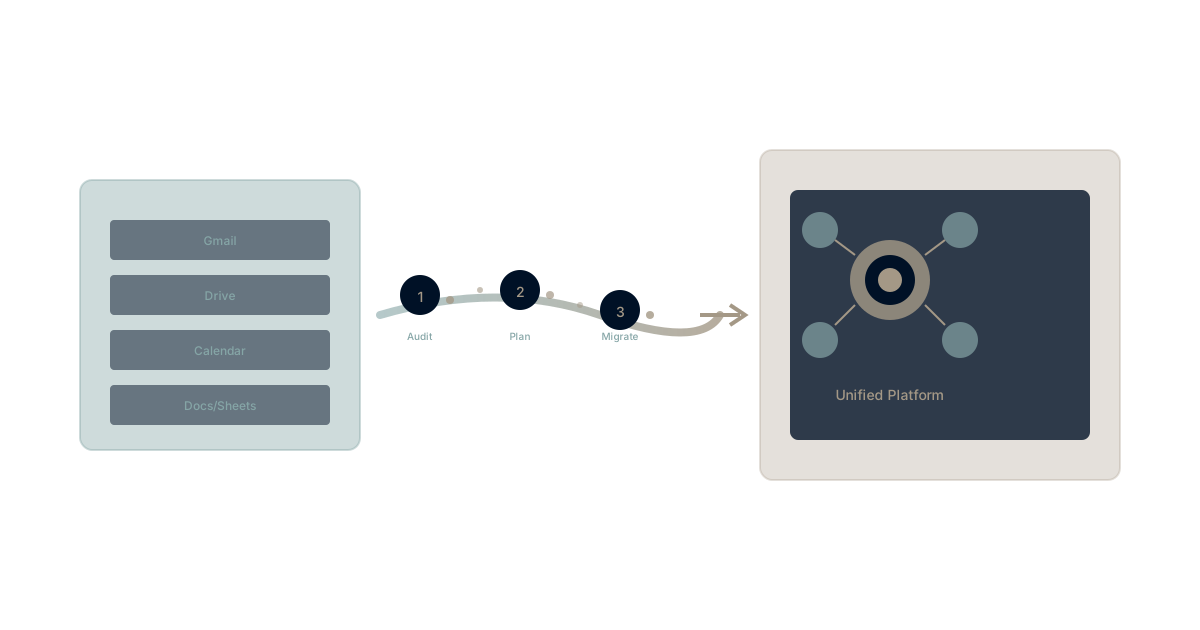
You've decided Google Workspace no longer meets your needs. The hidden costs outweigh the benefits. It's time to migrate.
But how do you actually do it without creating chaos?
This guide provides a practical framework for Workspace migration—from assessment through execution—based on successful migrations across hundreds of organizations.
Phase 1: Assessment and Planning
Inventory What You're Migrating
Before planning migration, understand what exists:
Data inventory:
- Gmail: Email archives, contacts, labels
- Drive: Files, folders, shared drives, ownership
- Calendar: Events, recurring meetings, shared calendars
- Meet: Recordings (if stored)
- Docs/Sheets/Slides: All document types and formats
- Sites: Any Google Sites in use
- Groups: Distribution lists and their members
Usage inventory:
- Active users per product
- Storage consumption per user
- Shared drives and their owners
- External sharing configurations
- Custom integrations and add-ons
Dependency inventory:
- Third-party tools connected to Workspace
- Automation workflows (Zapier, etc.)
- SSO configurations
- Custom domain email routing
Assess Migration Complexity
Score each component:
| Component | Low Complexity | Medium | High |
|---|---|---|---|
| < 5GB/user | 5-20GB | > 20GB | |
| Drive | < 10GB/user | 10-50GB | > 50GB |
| Shared Drives | < 10 | 10-50 | > 50 |
| Custom integrations | 0-5 | 5-15 | > 15 |
| External sharing | Minimal | Moderate | Extensive |
| Regulatory requirements | None | Some | Strict |
Higher complexity requires more planning, longer timelines, and potentially professional migration services.
Define Target Architecture
Questions to answer:
- What platform(s) will replace Workspace?
- What functionality maps to what in the new system?
- What changes in workflow are acceptable?
- What gaps will exist and how will they be addressed?
Common migration targets:
- Microsoft 365 (most common enterprise migration)
- Unified platforms like Waymaker Commander
- Best-of-breed combinations (various tools for different functions)
- Hybrid approaches (new platform + some Workspace products retained)
Establish Timeline
Typical timeline components:
| Phase | Duration | Key Activities |
|---|---|---|
| Planning | 2-4 weeks | Assessment, target selection, change management plan |
| Pilot | 2-4 weeks | Small group migration, process refinement |
| Wave 1 | 2-4 weeks | Early adopters, non-critical users |
| Wave 2 | 4-8 weeks | Main user population |
| Wave 3 | 2-4 weeks | Complex users, executives, stragglers |
| Cleanup | 2-4 weeks | Decommissioning, final data transfer |
Total typical timeline: 3-6 months for organizations with 100-500 users.
Phase 2: Technical Preparation
Email Migration Approach
Options:
Cutover migration: Everyone moves at once
- Best for: Small organizations (< 50 users)
- Advantage: Simple, fast completion
- Risk: Disruption affects everyone simultaneously
Staged migration: Groups move in waves
- Best for: Medium organizations (50-500 users)
- Advantage: Contains risk, allows learning
- Risk: Temporary complexity of split systems
Hybrid migration: Some users move, others remain
- Best for: Complex situations with long transition needs
- Advantage: Flexibility
- Risk: Ongoing complexity and cost
Technical considerations:
- IMAP migration vs. third-party migration tools
- PST intermediate format for some scenarios
- Label/folder structure mapping
- Archive handling decisions
Drive Migration Approach
Complexity factors:
- Shared drive ownership and permissions
- External sharing links that break on migration
- Google-format files needing conversion
- Large file handling
Migration options:
Manual export/import:
- Google Takeout for data export
- User-driven import to new platform
- Simple but relies on user compliance
Third-party migration tools:
- BitTitan, SkyKick, CloudM, etc.
- Automated transfer with permission mapping
- Typical cost: $5-20 per user
Professional services:
- Vendor-provided migration assistance
- Managed migration with support
- Typical cost: $20-100+ per user
Calendar Migration
Considerations:
- Recurring event handling across platforms
- Room and resource calendars
- External calendar invitations
- Integration with scheduling tools
Calendar migration is often easier than email/drive but requires testing recurring events carefully.
Integration Reconnection
For each connected integration:
- Document current connection configuration
- Identify equivalent integration on target platform
- Plan connection timing (before, during, or after migration)
- Test in pilot phase
Integration complexity can be a significant migration burden—use migration as an opportunity to simplify.
Phase 3: Change Management
Communication Plan
Stakeholder communication:
| Audience | When | What | How |
|---|---|---|---|
| Leadership | Planning phase | Business case, timeline, risks | Presentation |
| Managers | 4 weeks before | What's changing, their role | Meeting |
| All users | 3 weeks before | Overview, timeline, resources | Email + intranet |
| All users | 1 week before | Final prep, specific actions | Email + training |
| All users | Day of | Go-live guidance | Email + support |
| All users | Week after | Tips, support resources |
Key messages:
- Why migration is happening (not just "management decided")
- What will change and what won't
- What support is available
- What users need to do and when
Training Plan
Training content:
- New platform basics (interface, navigation)
- Key workflow differences from Workspace
- Where to get help
- What to do if something doesn't work
Training delivery:
- Live sessions for complex workflows
- Self-paced video/documentation for basics
- Champions/super-users for peer support
- Dedicated support channels during transition
Resistance Management
Common resistance points:
- "Gmail is better than [alternative]"
- "All my files are organized in Drive"
- "I don't have time to learn something new"
- "This will slow me down"
Response approach:
- Acknowledge concerns as valid
- Explain business rationale clearly
- Provide specific support for specific concerns
- Identify super-users to help resistant colleagues
Phase 4: Execution
Pilot Migration
Pilot group selection:
- 10-20 users representing different roles
- Mix of tech-savvy and typical users
- Not all executives (need real feedback, not deference)
- Some critical workflows, not all critical workflows
Pilot objectives:
- Validate migration process
- Identify unexpected issues
- Gather user feedback
- Refine training and support
Pilot success criteria:
- Migration completes without data loss
- Users can perform core functions
- Issue response process works
- Confidence to proceed with larger groups
Wave Execution
Each wave includes:
- Pre-migration preparation (user notification, data backup)
- Migration execution (technical process)
- Verification (data integrity checks)
- User enablement (access, training, support)
- Issue resolution (rapid response to problems)
- Wave retrospective (learnings for next wave)
Typical wave sizing:
- Wave 1: 25-50 users (early adopters, non-critical)
- Wave 2: 100-200 users (main population, multiple iterations)
- Wave 3: Remaining users (complex cases, executives)
Issue Escalation
Establish clear escalation paths:
| Issue Type | Response Time | Escalation Path |
|---|---|---|
| Access blocked | < 1 hour | IT support → Migration lead |
| Data missing | < 4 hours | Migration lead → Vendor support |
| Workflow broken | < 1 business day | Super-user → IT support |
| Performance issue | < 2 business days | IT support → Platform vendor |
War room during critical periods:
- Dedicated migration support during first 48 hours of each wave
- Clear escalation contacts
- Decision authority for real-time issues
Phase 5: Completion and Optimization
Workspace Decommissioning
Checklist:
- All users migrated and confirmed
- All data transferred and verified
- Integrations reconnected to new platform
- External sharing transitioned
- Domain MX records updated
- Archive requirements satisfied
- License count reduced/cancelled
Timeline considerations:
- Keep Workspace active for 30-90 days post-migration for stragglers
- Export any remaining data before cancellation
- Verify Google Takeout captures everything needed
Post-Migration Optimization
30-day review:
- User satisfaction survey
- Issue pattern analysis
- Performance metrics comparison
- Training gap identification
90-day review:
- Productivity impact assessment
- Cost comparison vs. projection
- Lessons learned documentation
- Platform optimization opportunities
Migration Risks and Mitigations
Risk: Data Loss
Mitigation:
- Full backup before migration
- Verification checks at each stage
- Rollback plan if issues emerge
- Extended retention on source platform
Risk: Extended Downtime
Mitigation:
- Off-hours migration windows for critical users
- Parallel access period where possible
- Clear communication of expected disruption
- Rapid escalation paths
Risk: User Adoption Failure
Mitigation:
- Comprehensive training before and during
- Super-user support network
- Clear escalation for issues
- Executive sponsorship visibility
Risk: Integration Breaks
Mitigation:
- Complete integration inventory
- Testing in pilot phase
- Staged reconnection with verification
- Fallback processes for critical integrations
When to Get Help
Self-Managed Migration Works When:
- Organization < 100 users
- Simple data footprint
- Limited external sharing
- Few custom integrations
- Strong internal IT capability
Professional Help Recommended When:
- Organization > 200 users
- Complex compliance requirements
- Extensive external sharing
- Many custom integrations
- Limited internal migration experience
Professional services options:
- Migration tool vendors (BitTitan, etc.)
- Platform vendors (Microsoft, etc.)
- Independent migration consultants
- Managed IT providers
Experience Your Migration Destination
Migrating from Google Workspace? Waymaker Commander brings email, documents, projects, and strategy together—a consolidation destination that reduces total tool count rather than substituting one suite for another.
The result: Migration to a platform designed for organizational intelligence, not just productivity apps.
Register for the beta and explore what's possible beyond traditional productivity suites.
Google Workspace migration is achievable with proper planning. The keys are thorough assessment, realistic timelines, strong change management, and phased execution that allows learning. Whether migrating to Microsoft 365, unified platforms, or hybrid solutions, the principles remain consistent. Invest in planning, support users through change, and optimize after migration. Learn more about what teams discover after leaving Workspace and explore how platform consolidation creates lasting value.
The Waymaker Editorial team researches workplace software. This guide synthesizes published best practices for successful Workspace transitions.
Part of our guide to leaving google workspace.
About the Author

Waymaker Editorial
Stuart Leo founded Waymaker to solve a problem he kept seeing: businesses losing critical knowledge as they grow. He wrote Resolute to help leaders navigate change, lead with purpose, and build indestructible organizations. When he's not building software, he's enjoying the sand, surf, and open spaces of Australia.