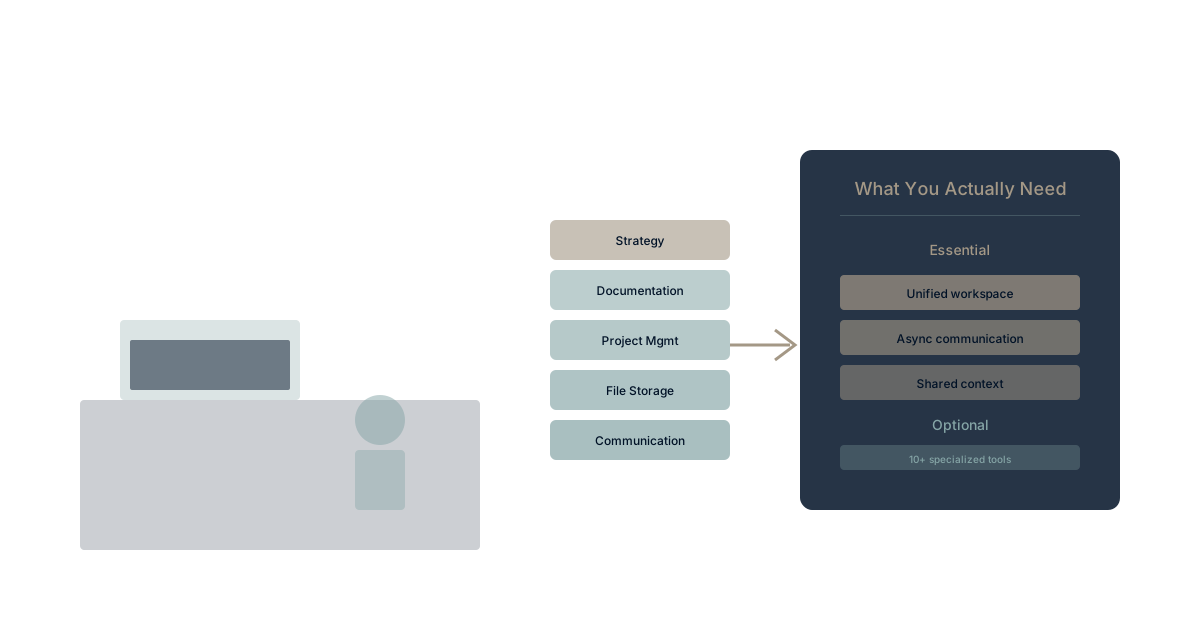
The pandemic forced rapid remote work adoption. Teams grabbed tools urgently—Zoom, Slack, Notion, Miro, Loom, Asana, and dozens more.
Three years later, many organizations still run those panic-bought stacks.
Tool sprawl accelerated. The costs compounded. Remote work proved permanent, but the tool approach remained temporary.
Time to rationalize.
The Panic Stack Reality
What Typically Accumulated
Communication:
- Video: Zoom, Teams, Meet (often multiple)
- Chat: Slack, Teams, Discord
- Email: Still everywhere
Collaboration:
- Documents: Google Docs, Notion, Confluence
- Whiteboards: Miro, FigJam, Mural
- Presentations: Slides, Loom, Pitch
Work management:
- Projects: Asana, Monday, ClickUp, Trello
- Tasks: Multiple overlapping systems
- Goals: Separate OKR tools
The math: Average company uses 89 apps. Remote work organizations often exceed 100.
The Costs
Direct costs:
- Per-user fees across multiple tools
- Enterprise plans for tools only some use
- Unused licenses nobody tracks
Hidden costs:
- Context switching between tools
- Integration tax connecting them
- Training for each platform
- Onboarding complexity
- Knowledge fragmentation
Strategic costs:
- AI can't access unified data
- Organizational memory scattered
- Decision context lost
What Remote Teams Actually Need
The Core Functions
Every remote team needs:
- Synchronous communication: Real-time conversation for urgent matters
- Asynchronous communication: Non-urgent communication that doesn't interrupt
- Video meetings: Face time and presentations
- Document collaboration: Working on content together
- Work management: Tracking what needs doing
- Knowledge base: Storing persistent information
Notice: Six functions, not 89 tools.
The Consolidation Opportunity
Each function doesn't require a separate best-of-breed tool:
Modern platforms combine:
- Communication + documents + work management
- Reducing tools while maintaining capability
The trade-off:
- Feature depth sometimes less than specialized tools
- Overall coherence significantly better
- Total cost of ownership often lower
The Tool Stack Decision Framework
For each tool category, ask:
- Is this function essential? Some tools solve problems you don't have.
- Is there overlap? Multiple tools serving similar purposes.
- Could a platform serve this? Combined vs. specialized tools.
- What's the actual usage? Licenses vs. active users.
- What's the integration burden? Cost of connecting this to other tools.
Recommended Stack Architecture
The Minimalist Approach
Core platform + targeted additions:
Option 1: Google Workspace centered
- Gmail, Drive, Meet, Docs as core
- Add specialized tools only where Workspace gaps are critical
- Consider Workspace limitations first
Option 2: Microsoft 365 centered
- Outlook, SharePoint, Teams as core
- Add specialized tools only where M365 gaps are critical
- Consider M365 fatigue reality
Option 3: Unified platform approach
- Single platform like Waymaker Commander for work management
- Separate email/calendar as needed
- Fewer tools overall
The Evaluation Matrix
| Function | Essential? | Platform Option | Specialized Tool |
|---|---|---|---|
| Yes | Workspace/M365 | Rare need | |
| Chat | Yes | Teams/Slack | If platform inadequate |
| Video | Yes | Meet/Teams/Zoom | Choose one |
| Documents | Yes | Docs/Word/Notion | Consider consolidation |
| Projects | Yes | Platform option | If highly specialized needs |
| Knowledge | Yes | Confluence/Notion | Consider platform |
| Whiteboard | Sometimes | Built-in options | Only if heavy use |
Reduction Strategies
Strategy 1: Platform maximization Choose one platform and use it fully before adding tools.
- M365: Use Teams, SharePoint, Planner before adding Slack, Notion, Asana
- Workspace: Use Chat, Drive, Keep before adding alternatives
- Reduce integration needs by staying within ecosystem
Strategy 2: Category consolidation One tool per category, no overlap.
- One chat tool (Slack OR Teams, not both)
- One project tool (Asana OR Monday, not both)
- One documentation platform
Strategy 3: Platform transition Move from suite + tools to unified platform.
- Unified work management platform
- Dramatic tool count reduction
- Consolidation approach
The Remote-Specific Considerations
Async-First Communication
Remote work should prioritize asynchronous communication:
Benefits:
- Time zone flexibility
- Deep work protection
- Better documentation
Tool implications:
- Chat tools that support async (not just real-time)
- Project tools with good discussion features
- Reduced need for constant availability
The hidden costs of Slack/Teams come from always-on expectation. Async-first reduces these costs.
Video Meeting Discipline
What remote teams actually need:
- Reliable video for scheduled meetings
- Screen sharing capability
- Recording option for async viewing
What they don't need:
- Three different video platforms
- Premium features most people don't use
- Constant video calls replacing async options
Rationalization question: Why multiple video tools? Consolidate to one.
Knowledge Persistence
Remote work requires better knowledge capture than office work:
Office work fallback: Walk to someone's desk, ask verbally Remote work reality: If it's not written down, it doesn't exist
Tool implication:
- Strong knowledge base requirement
- Meeting notes that persist
- Decision documentation
This might be the one area where investment pays off—but in integrated systems, not fragmented tools.
Implementation Plan
Phase 1: Audit (2 weeks)
Actions:
- Complete tool inventory with costs
- Usage analysis (actual vs. licensed)
- Overlap identification
- Integration mapping
Output: Clear picture of current state
Phase 2: Strategy (2 weeks)
Actions:
- Define target architecture
- Identify tools to eliminate/consolidate
- Select platform approach
- Create migration sequence
Output: Rationalization roadmap
Phase 3: Execution (8-12 weeks)
Actions:
- Pilot changes with willing teams
- Migrate in waves
- Support through transition
- Decommission eliminated tools
Output: Rationalized stack
Phase 4: Governance (Ongoing)
Actions:
- Tool request process
- Regular usage review
- Cost monitoring
- Re-sprawl prevention
Output: Sustainable tool management
The ROI of Rationalization
Cost Savings
Direct savings calculation:
If you eliminate 10 tools at $15/user/month average:
- 100 users: $18,000/year saved
- 500 users: $90,000/year saved
If you reduce integrations by 50%:
- Integration platform savings
- Maintenance time savings
- Failure cost reduction
Productivity Gains
Reduced context switching:
- Fewer tools = fewer switches
- Conservative estimate: 10-20% productivity improvement
Better knowledge access:
- Less searching across systems
- Information more findable
Strategic Value
AI readiness:
- Unified data enables AI with organizational memory
- Fragmented data prevents organizational AI
Competitive positioning:
- Teams with coherent tools execute faster
- Remote-first with rationalized stacks outperform remote with chaos
Experience Rationalized Remote Work
Want to see what remote work looks like with dramatically fewer tools? Waymaker Commander brings projects, documents, and collaboration together—reducing remote tool count while improving capability.
The result: Remote work that's coherent, not chaotic. Fewer tools, better outcomes.
Register for the beta and experience rationalized remote productivity.
The panic-bought remote stack served its purpose. Remote work is now permanent; panic buying should end. Rationalization—consolidating tools, eliminating redundancy, choosing platforms over portfolios—reduces costs, improves productivity, and enables AI capability. The time to rationalize is now. Learn more about tool consolidation and explore how unified platforms create coherent remote work.
The Waymaker Editorial team researches remote work productivity. This guide synthesizes tool rationalization patterns from 100+ distributed organizations.
About the Author

Waymaker Editorial
Stuart Leo founded Waymaker to solve a problem he kept seeing: businesses losing critical knowledge as they grow. He wrote Resolute to help leaders navigate change, lead with purpose, and build indestructible organizations. When he's not building software, he's enjoying the sand, surf, and open spaces of Australia.